



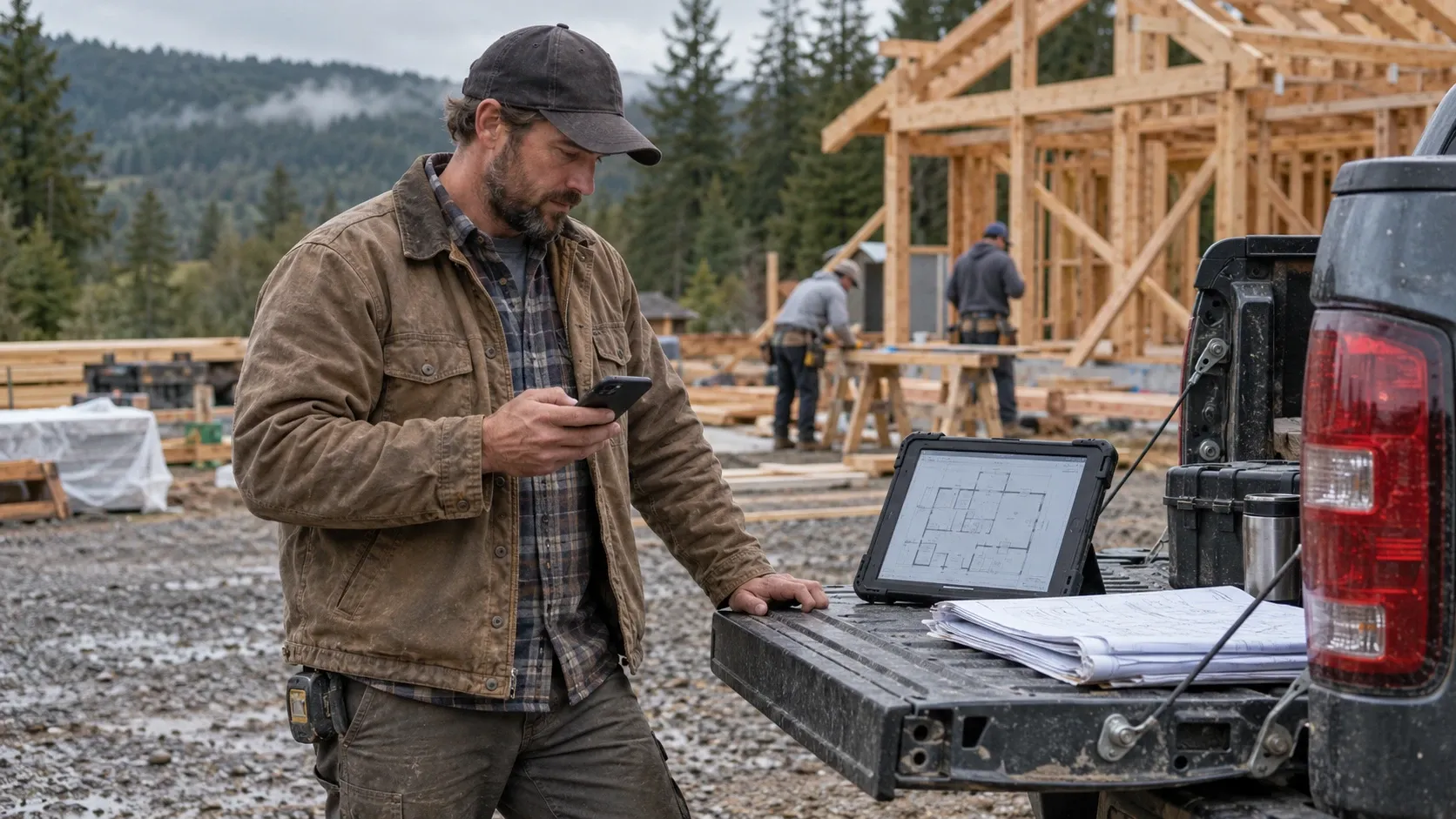
If your crew uses company email, job files, or shared apps, somebody needs to look after those systems even when you don’t have an office. How much outside help you need depends on what your people use and what you can reliably handle yourself.
Picture an owner with a couple of foremen and crews scattered across three job sites from Albany out to Lebanon. No server in a closet, no rows of desktops, no front desk. I get why that doesn’t look like an IT setup. But the plans are on a tablet, the change orders are in a text thread, and the logins that open all of it are riding around in somebody’s truck. I’d start by following that work. Where does it live, who can get to it, and what happens when a phone goes missing or somebody leaves?
Every truck is carrying part of the job file
Think about what’s on your foreman’s phone. Text threads with the GC about change orders. Photos of the framing before the drywall went up. Access to the shared folder with your bids in it. Maybe the account you use to order material from the supply house on Pacific Boulevard.
Now picture that phone sitting on a tailgate when the crew packs up and drives off. The first question is whether somebody who finds it can open it. The next is whether the job photos and messages exist anywhere else, because locking the phone won’t get your only copy back. The work needs a company-controlled place to land, a way to recover it, and someone checking that it’s actually getting there. A photo saved only to the foreman’s camera roll is still only on his phone, however good the rest of your setup is.
A personal phone needs a different conversation from a company-owned one. We can protect company information inside supported work apps without taking over the whole phone, and with the right licensing and setup, that company data can be removed from those apps when a device is lost or someone leaves. That doesn’t reach every copy someone has already saved elsewhere, and a phone that’s offline can’t be treated as wiped just because a request was sent.
Give each person their own way in
Say the estimator, two foremen, and the person doing the books all use one email address and one password. It’s easy while everybody is there. Then one person leaves, and changing the password means coordinating with everyone who still needs it, possibly while you’re in the middle of a pour.
Separate accounts let you give each person the access their job needs, and remove that access when they leave. The business can still have a shared inbox. In Microsoft 365, people can open that inbox through their own accounts, with permission, rather than passing one password around. I’d also want multi-factor authentication turned on and a clear record of who can recover the accounts. The owner shouldn’t have to track down a former employee just to get back into the company’s email.
Make the setup work with the signal you have
A foreman out in the Coast Range foothills needs the plans to open where he’s standing. If the approved app won’t do that, he’ll find another way, usually emailing the plans to his personal inbox or saving a copy wherever he knows he can reach it. That’s somebody trying to get the job done. So we need to give him a way that works on the job, and then make sure whoever handles the plans knows which copy he’s using.
Test the actual phone and app before sending the crew out. Download the files they need while there’s a connection, open them with the signal off, then reconnect and check what comes back. Some apps support offline reading and editing; some features still need a connection, and a cloud folder on its own doesn’t answer that question. The same goes for photos and hours coming back from the field. Show the foreman how to tell whether an upload is finished, and agree on what to do when it isn’t. Otherwise the person doing the billing may be waiting for something the crew thinks it already sent.
Start with the people who use the systems
The guy framing the same house for the next five weeks may only need a text telling him where to show up. If he has no company email and doesn’t use your files or apps, he may not need the same setup as the foreman carrying plans and sending change orders. That’s why I’d count the work before counting support plans. Write down who has a company account, what they open, which devices they use, and who they call when it stops working. You may find that the owner, the bookkeeper, and two foremen are the people who actually need help.
You might need somebody to get the accounts and file storage set up properly, or you might need ongoing support because you’re the one handling every password reset and missing plan set. The office address doesn’t decide that. The work your people do does.
A useful place to start
- 1Pick one active job and follow its plans, photos, and change orders from the office side to the field and back.
- 2Could you get to the latest copy if the foreman's phone disappeared tonight?
- 3Could you remove one person's access without changing everybody else's login?
- 4Can the crew open what it needs with the signal off?
If one of those answers is unclear, that’s a specific piece of work to sort out. We can look at what you already have and work through it with you.
Related reading
I’m based in Albany and work with contractors around the Willamette Valley. If you want to talk through how your crew’s phones, logins, and files are working, let’s have that conversation. Schedule a free assessment.
Andrew Allen
Owner & Founder, Taggerung Solutions
Eight years in enterprise IT, seven-plus years in Oregon construction, including General Foreman at Dick Welker Construction. Holds an active Oregon CCB license (#252384). About Andrew →